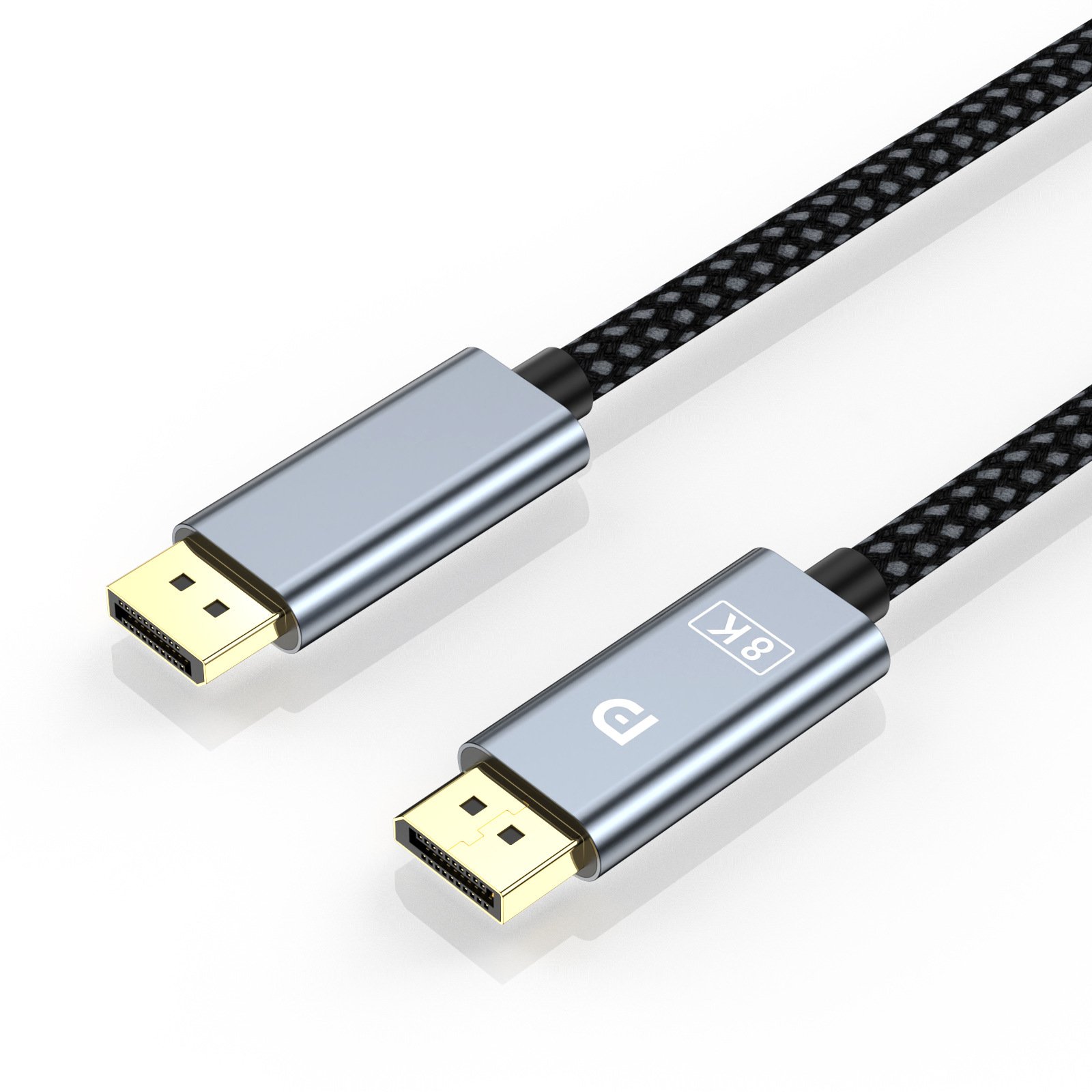
1 / 1 Product and connector views
DisplayPort Cables
DisplayPort Cable QS-DTD02
QS-DTD02 is a braided DisplayPort male-to-male cable with aluminium housings and a specified contact finish for desktop video links.
- Connection
- DisplayPort male to DisplayPort male
- Model
- QS-DTD02
Include your quantity, connector configuration and intended use.
Product overview
QS-DTD02 connects a DisplayPort graphics output directly to a matching display input. Its braided cable, aluminium connector housings and gold-plated contact construction provide a defined physical selection for a desktop monitor lead.
For gaming, editing or general workstation use, choose the required display settings with the actual computer and monitor rather than adopting a refresh rate from another DisplayPort model. Cable length and access to the plug body should remain visible in the order specification.
Product information
| Connection | DisplayPort male to DisplayPort male |
|---|---|
| Model | QS-DTD02 |
A connector family or metal housing does not establish a particular resolution/refresh combination across every equipment and length choice.
A closer look
Braided metal-housing DP lead
The construction combines a woven outer cable, aluminium plug bodies and the selected contact finish.
Connection
DisplayPort male to DisplayPort male
Application focus
Specified graphics-to-monitor routes
Where it fits
Specified graphics-to-monitor routes
Use for a direct DisplayPort workstation link where the model, housing and cable construction are part of the equipment specification.
Explore applicationsCheck the complete connection
- 01
Connection layout
DisplayPort male to DisplayPort male
- 02
Required operating mode
State the required resolution and refresh rate for the actual source and display.
- 03
Order configuration
Quote QS-DTD02 with length, contact and housing requirements, plus the actual computer-to-monitor mode needed.
Related products


Questions about this product
Can QS-DTD02 be selected only by a general DisplayPort version name?
Use the model, selected length and intended display mode together. The actual graphics output and monitor input determine the required configuration.
Which connector arrangement identifies this product?
The connection is DisplayPort male to DisplayPort male. Keep this physical layout with the selected model; similar names or housings do not make a different plug or socket arrangement interchangeable.
What is needed to select the display mode?
Specify the source output, receiving input, target resolution, refresh rate and complete cable length. Keep those requirements with the selected model instead of adopting another cable model's rating.
Ask about this product
DisplayPort Cable QS-DTD02
Share the quantity and configuration you need. Use the form, email or WhatsApp to contact QiuSe.