
USB-C to USB-C Cables
Connect USB-C equipment for data, charging or video. Choose each function against the particular cable and your devices.
Explore rangeQiuSe · USB & AV connectivity
Start with the connection you need. Explore cable, adapter and equipment accessory ranges for your product selection.
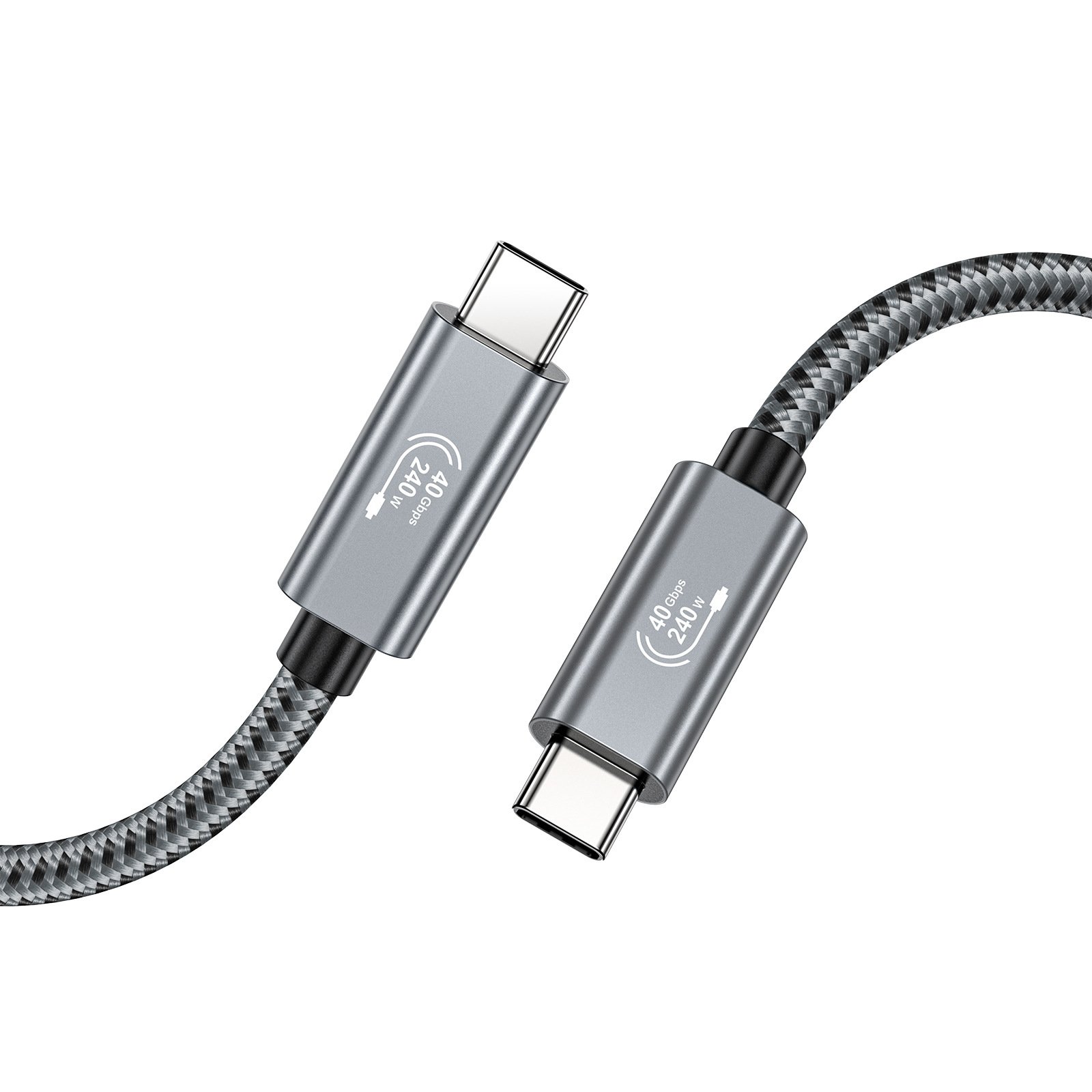 USB4 & Coaxial USB-C Cables
Browse by connector or use. Each product family leads to its own detailed range.
Connect USB-C equipment for data, charging or video. Choose each function against the particular cable and your devices.
Explore range
Connect USB-A hosts or chargers to USB-C equipment. Explore cable constructions and the functions specified for each product.
Explore range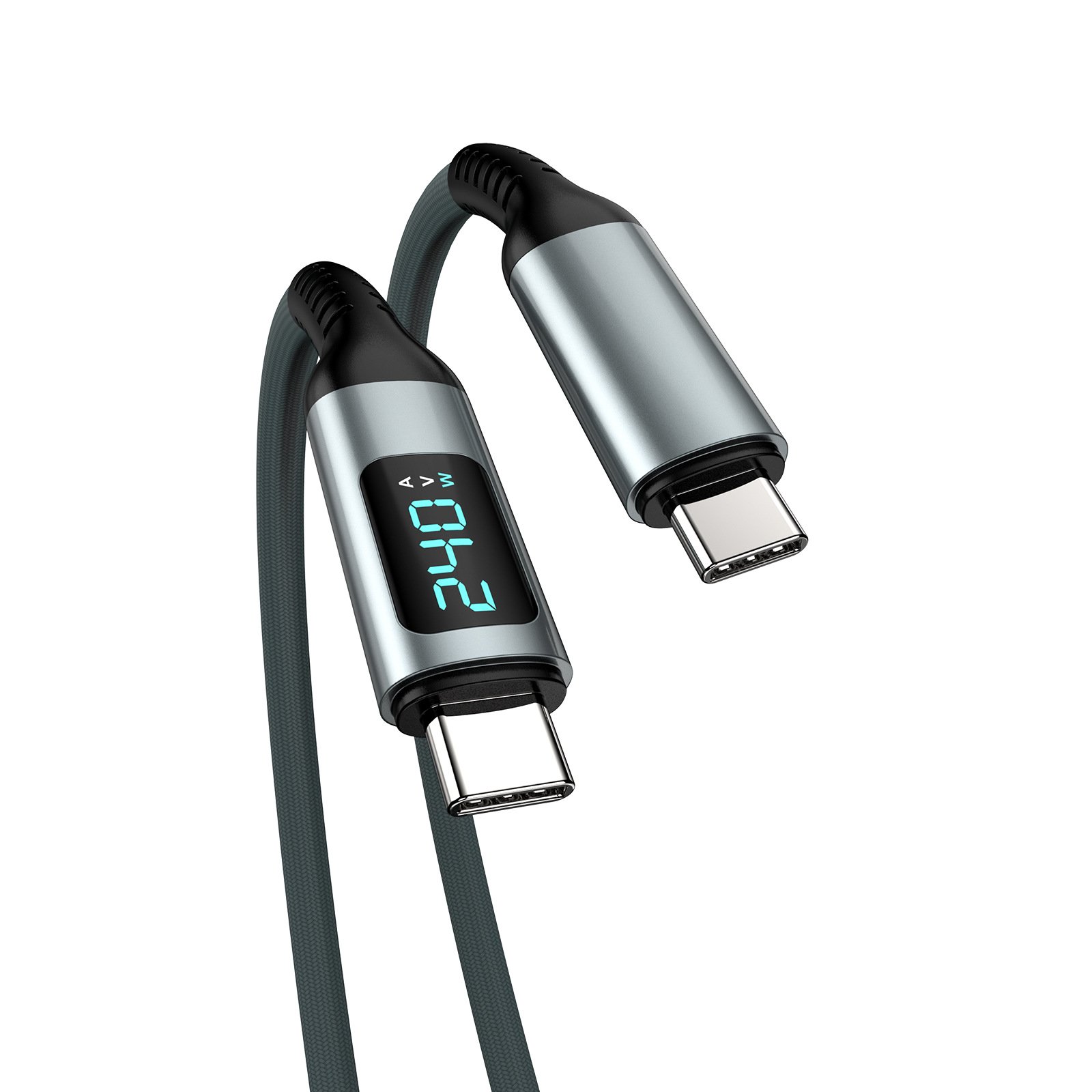
Explore USB4 and coaxial USB-C cable options for docks, displays and storage. Capabilities vary between products and configurations.
Explore range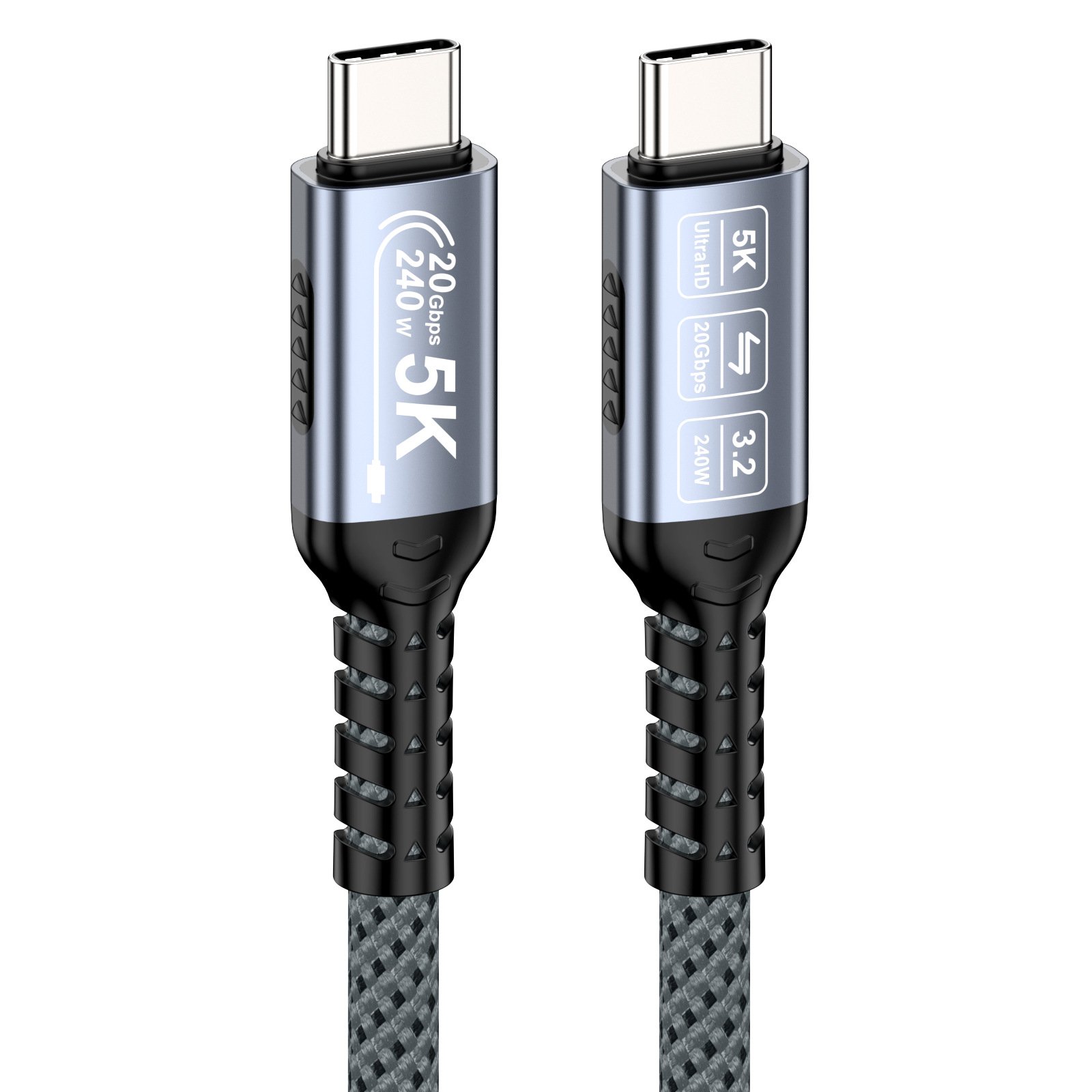
Extend USB connections with USB-A, USB-C and optical cable options. Select the connector arrangement and length for your equipment.
Explore range
Match USB-A and USB-C equipment with compact adapters, couplers and short adapter cables. Compare connector direction and the intended function.
Explore range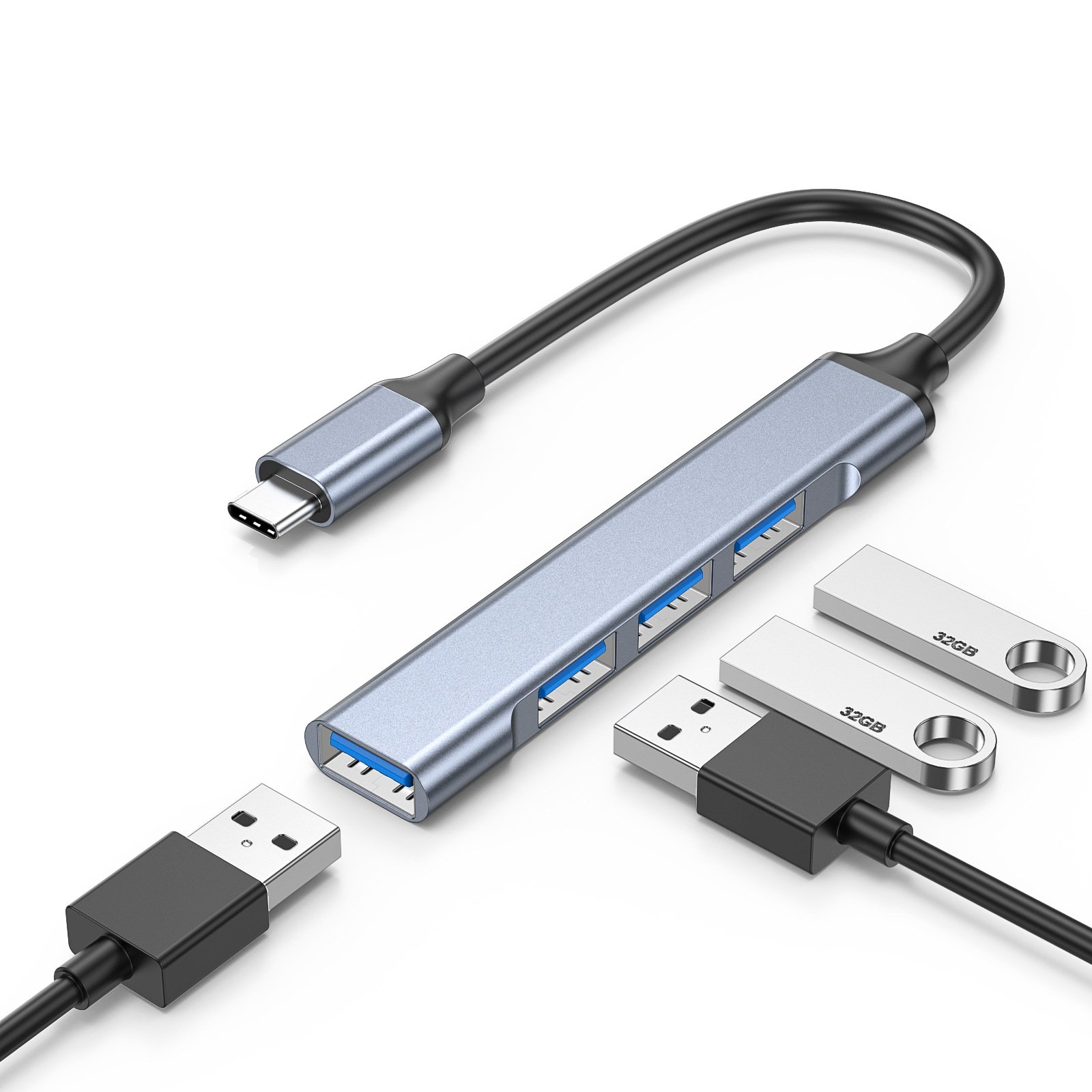
Expand a USB connection with four-port hub options. Review the host connector and the capability of each downstream port.
Explore range
Explore HDMI cable constructions for displays and AV equipment, including braided, white and coiled options. Choose the exact cable for your connection.
Explore range
Connect compact HDMI ports to full-size HDMI equipment. Compare Mini HDMI and Micro HDMI cables and adapter leads before selecting a product.
Explore range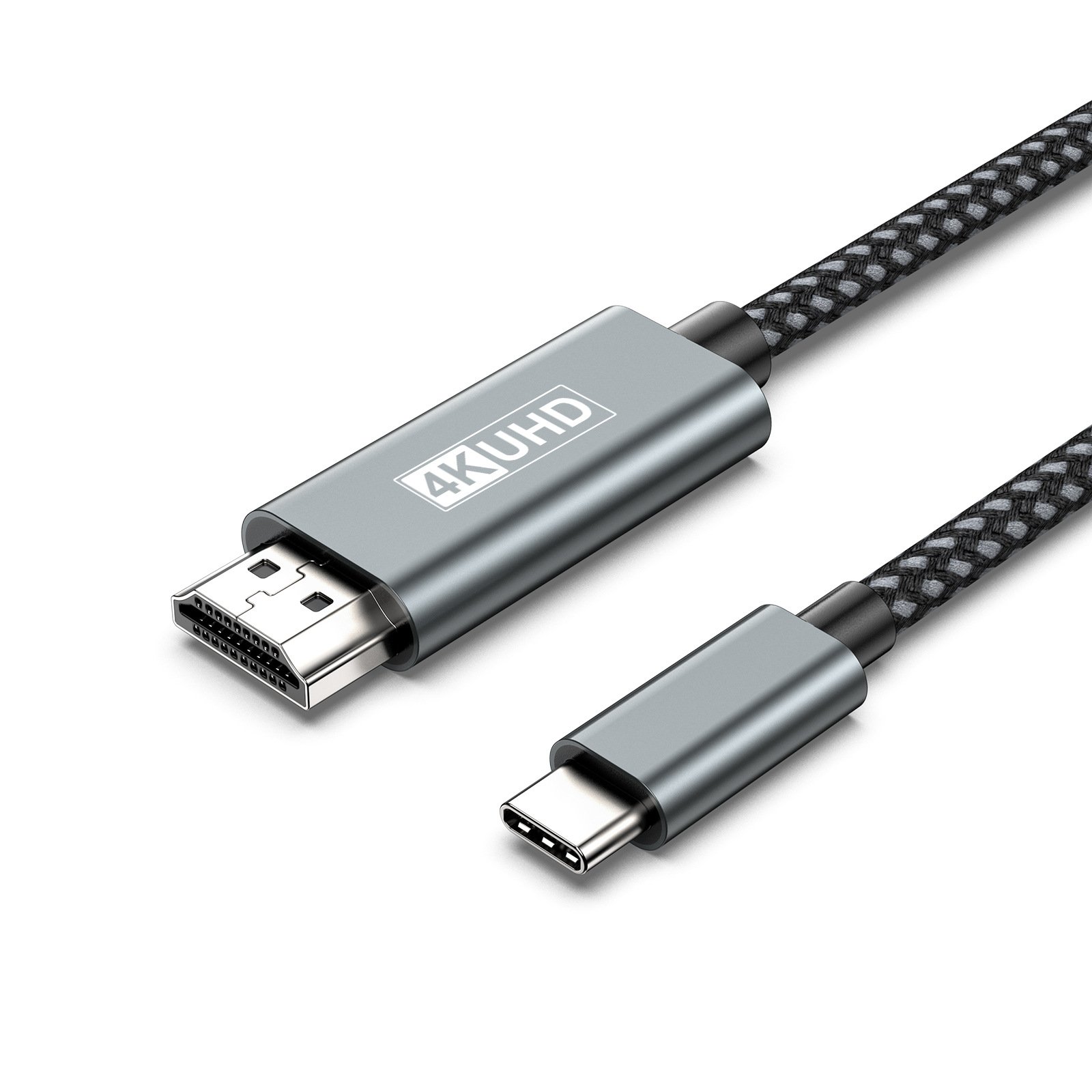
Connect USB-C or DisplayPort equipment to HDMI displays, or join HDMI cables with a coupler. Match the signal direction and device capabilities.
Explore range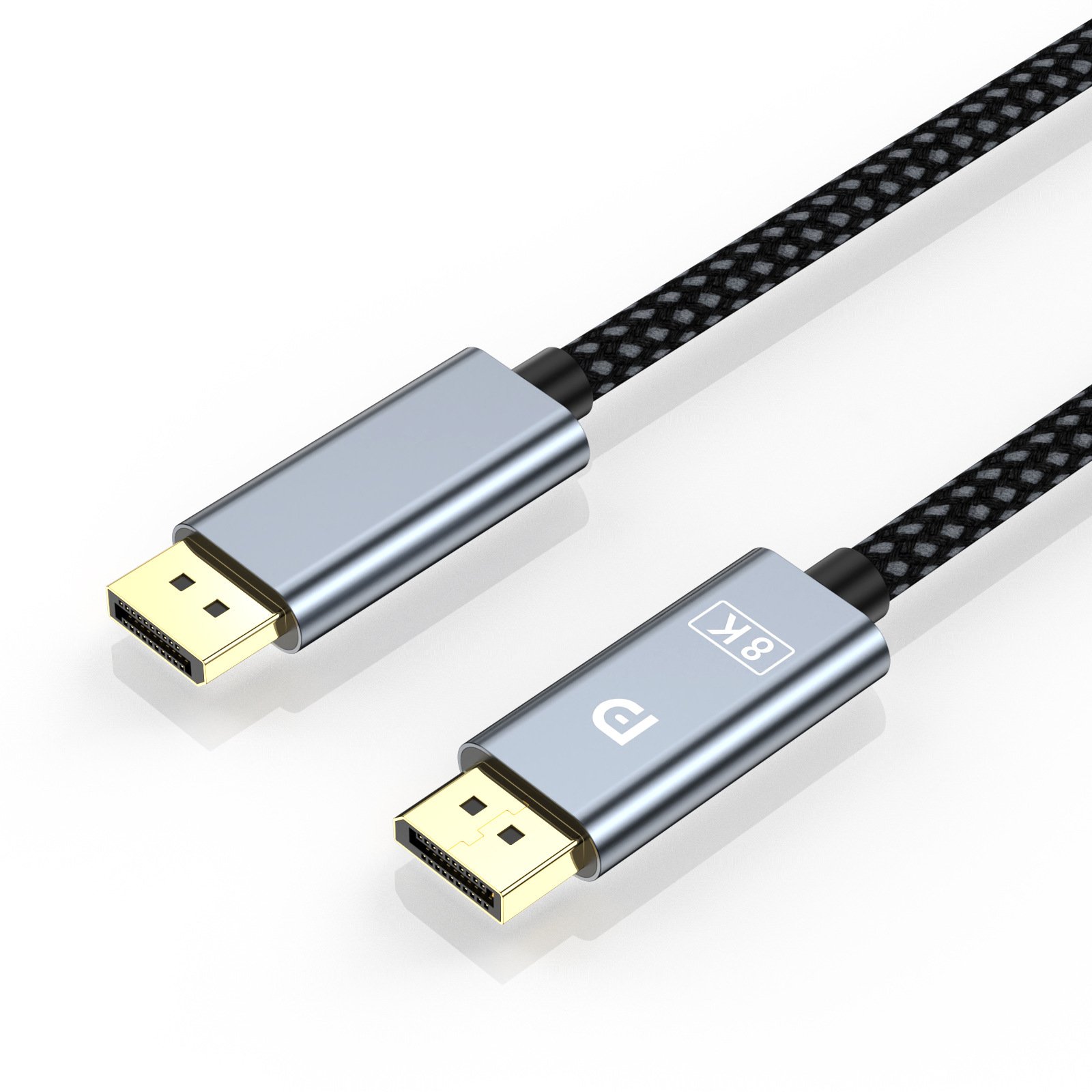
Connect DisplayPort-equipped computers and monitors. Explore different cable constructions and confirm the performance required by your display setup.
Explore rangeChoose a signal path, distribute a source or explore a wireless HDMI connection.

Select which HDMI source reaches a display. Explore bidirectional switches and products with several HDMI inputs.
Explore range
Distribute one HDMI source to multiple displays. Compare the number of outputs and the video mode specified for the selected product.
Explore range
Explore an HDMI transmitter and receiver kit for connecting a source and display without a long HDMI cable between them.
Explore range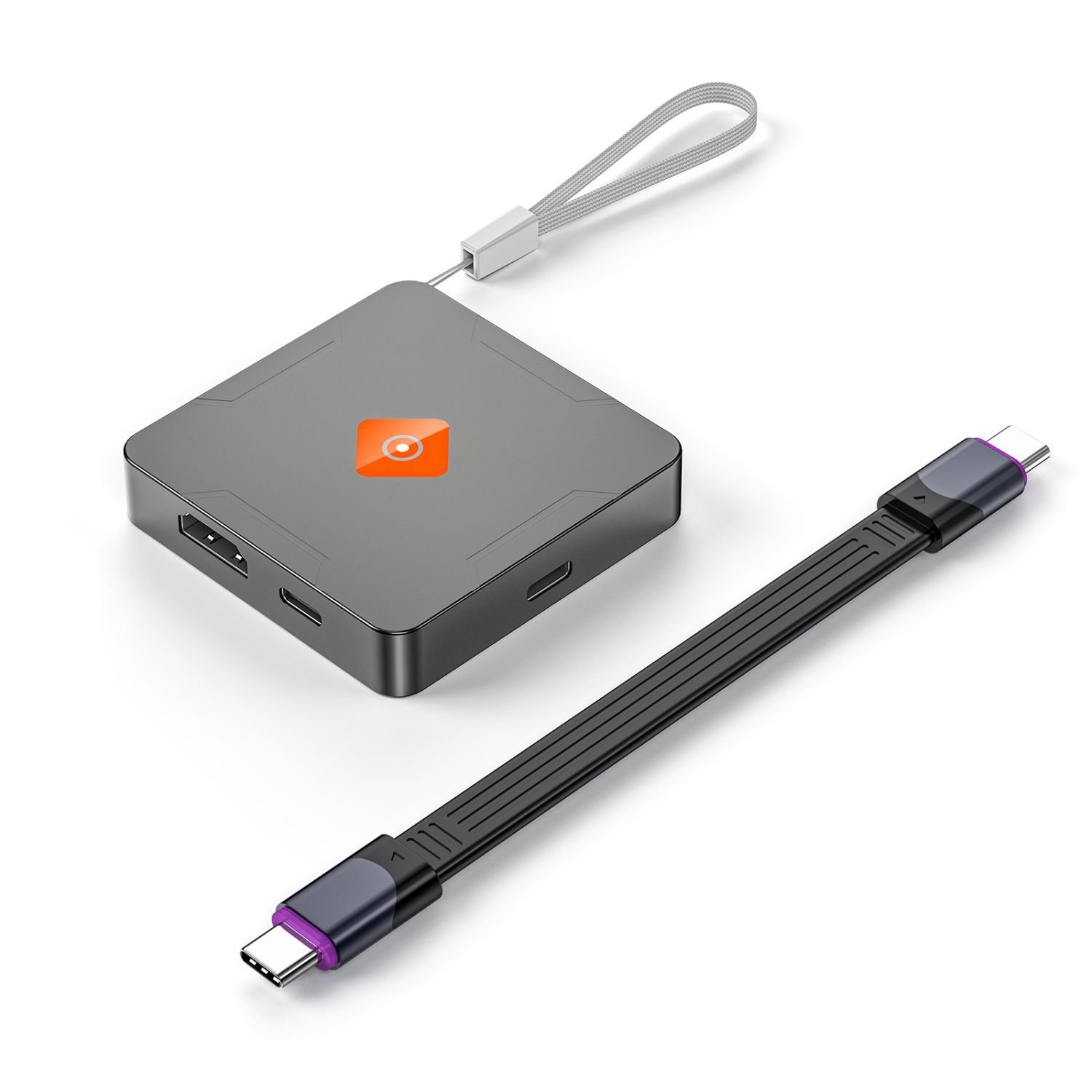
Explore magnetic M.2 NVMe enclosure options for external storage and mobile recording setups. Check drive format and the device connection.
Explore range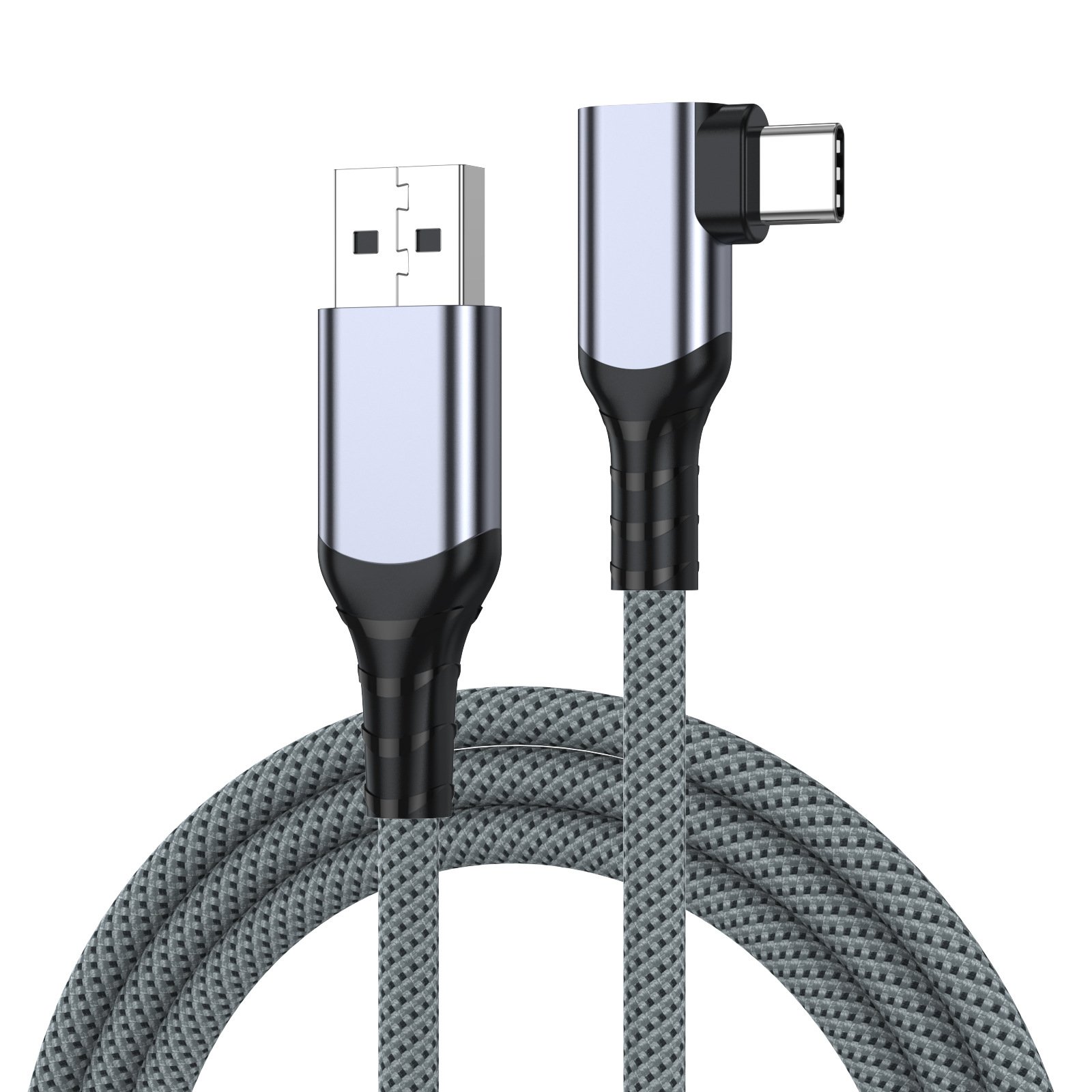
Connect compatible VR equipment to a computer using a USB-A to USB-C link cable. Review the connector arrangement and cable length.
Explore rangeStart a conversation
Tell us which equipment you want to connect and describe the functions you need.