
Applications
Connections for your equipment
Choose products around the equipment you need to connect, the available ports and the functions that matter to your setup.
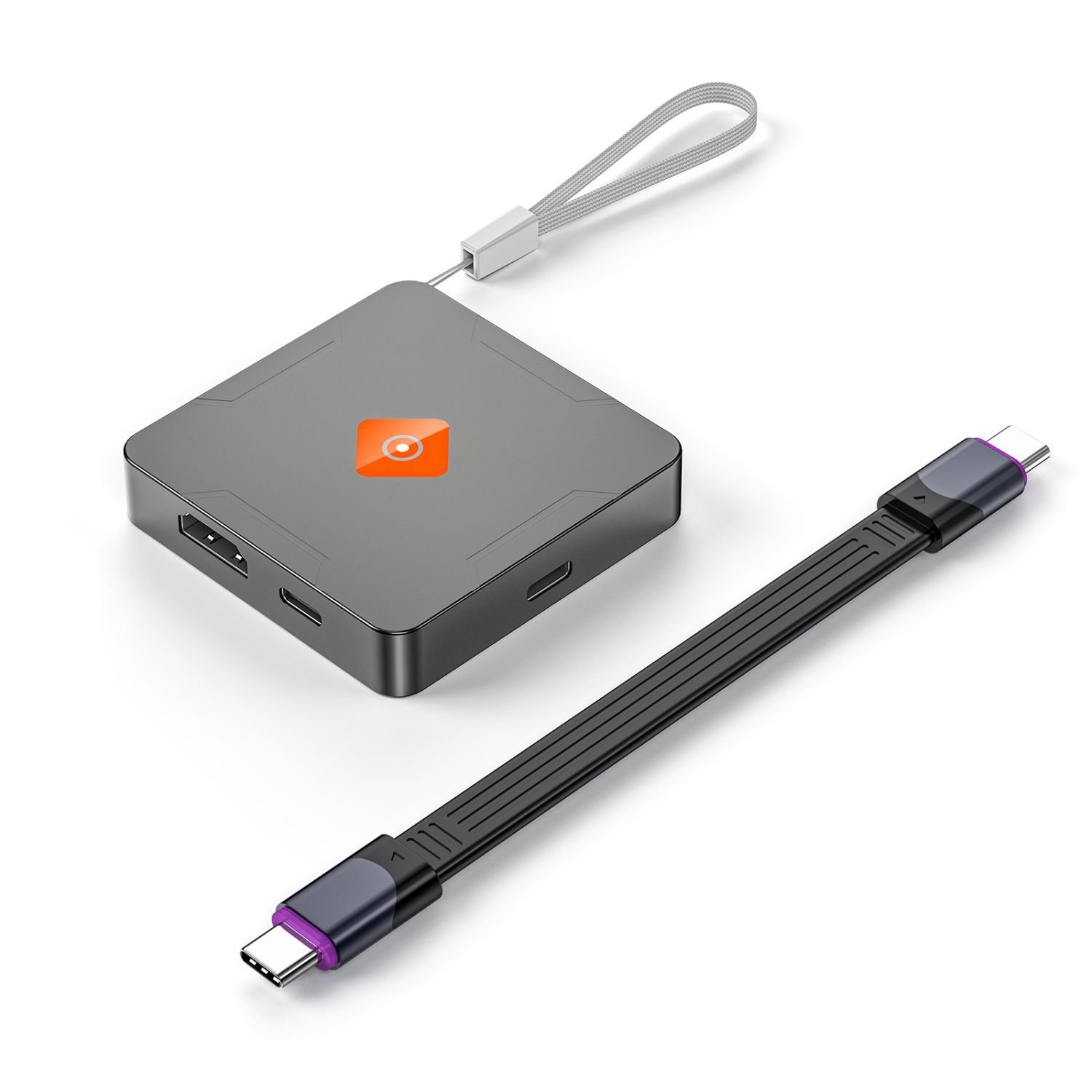 M.2 SSD Enclosures
External storage & data transfer
Choose the computer connection, compatible drive or enclosure and the data capability required for your workflow.

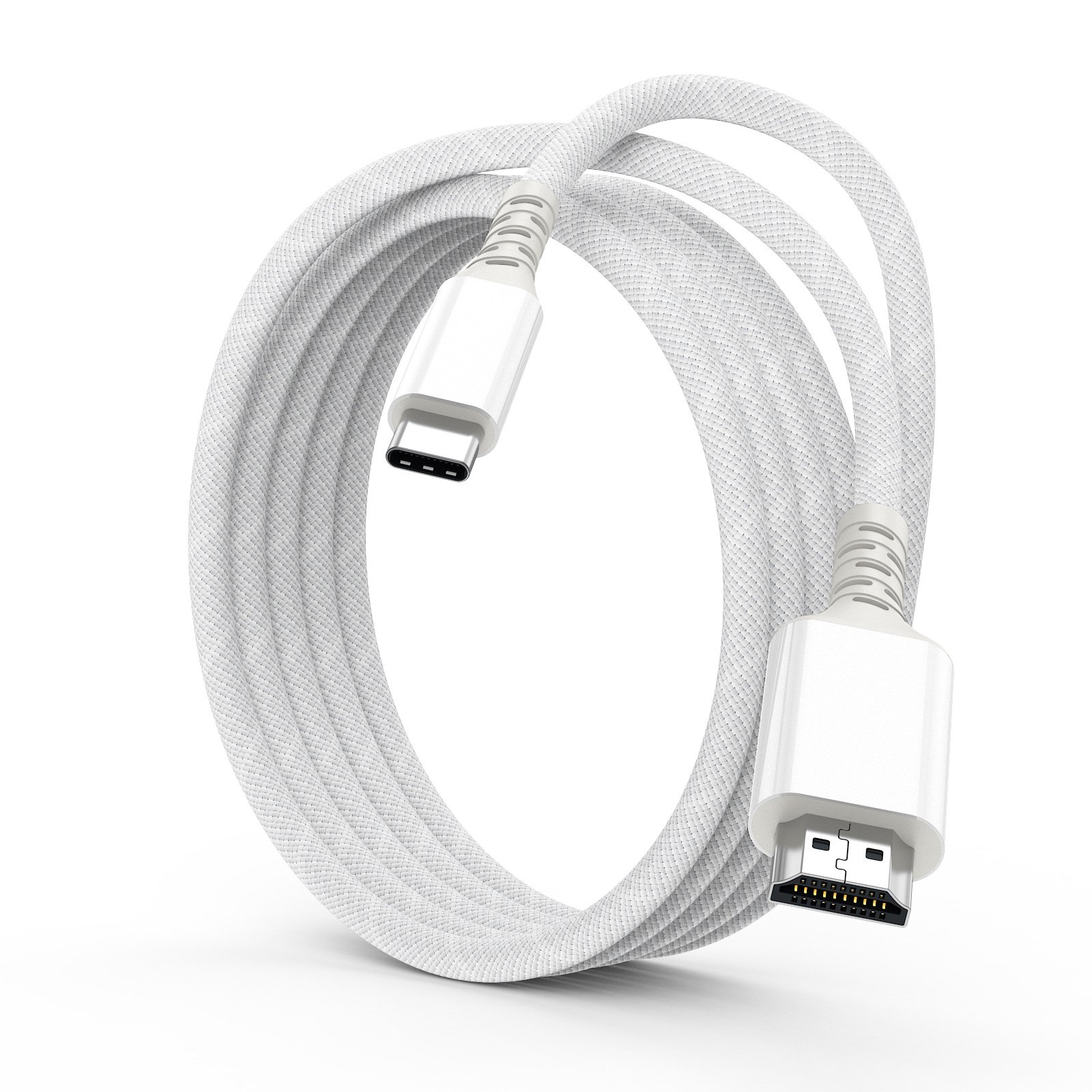
Desktops, displays & meeting rooms
Match a computer or source to the available display input. Consider the connector direction and your required display mode.

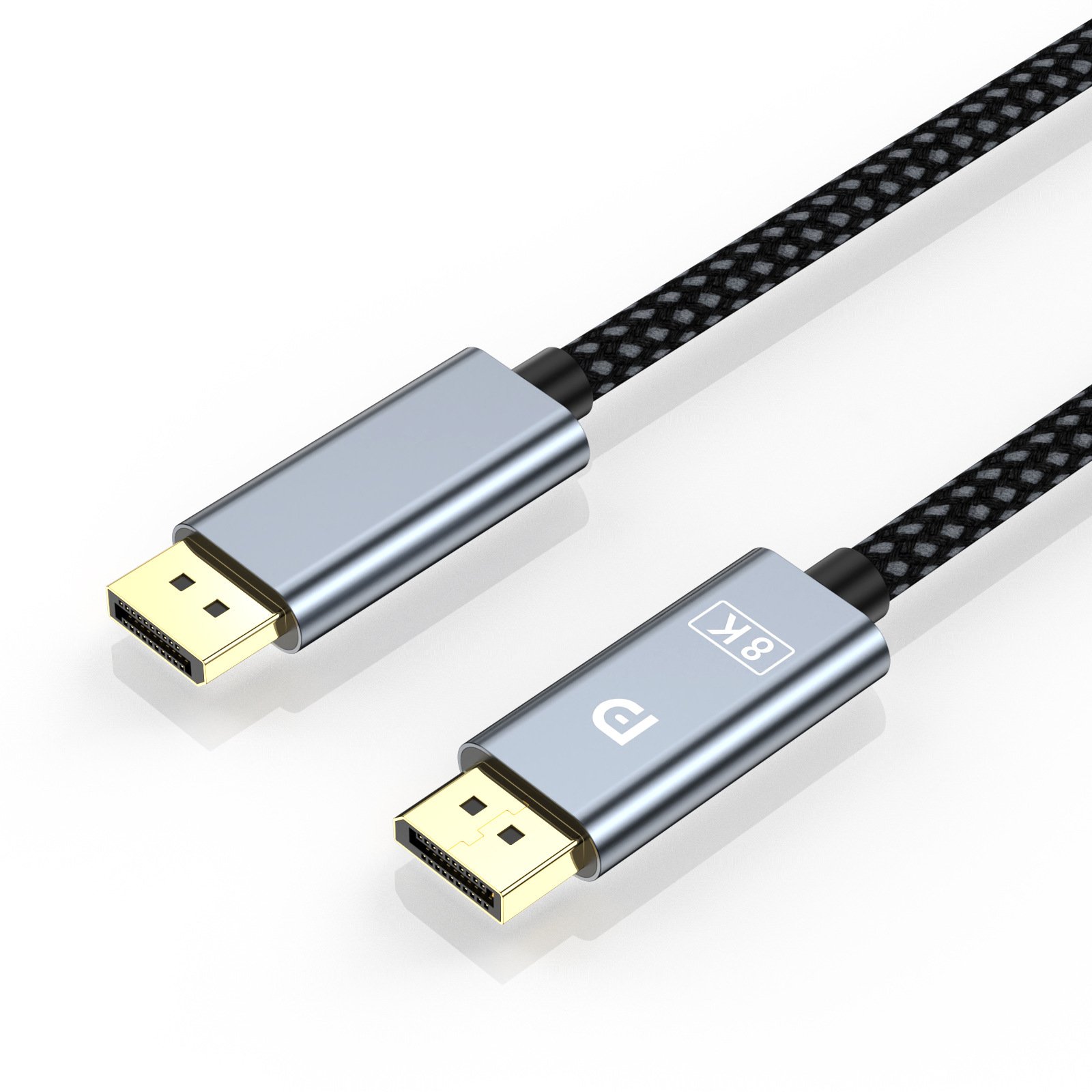
Gaming & home displays
Consider the source, monitor or television and any additional switching equipment. Choose the product configuration for the complete setup.
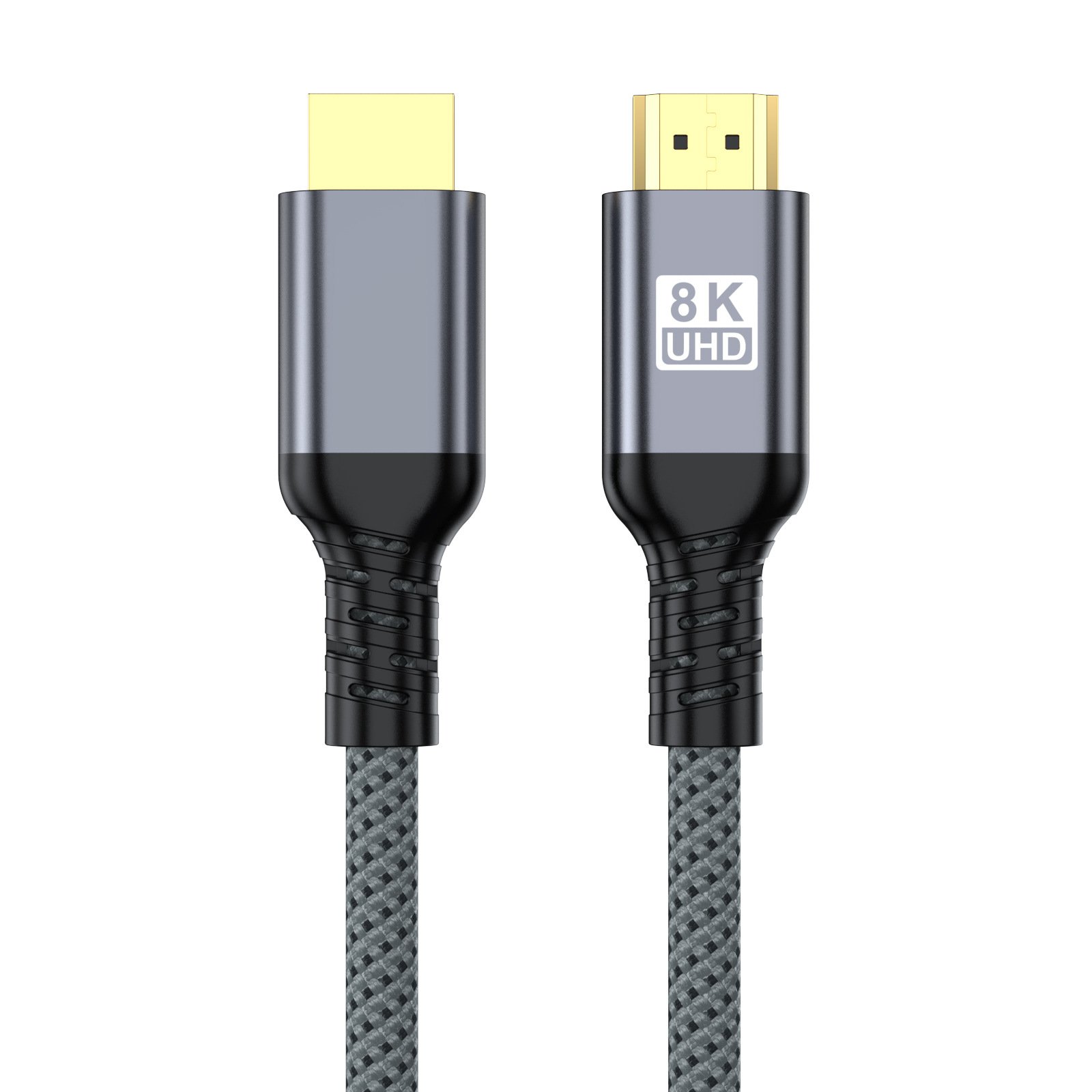


Cameras & compact HDMI connections
Check the camera or capture device port first. Mini HDMI and Micro HDMI are different connectors, and cable access can matter in a compact rig.


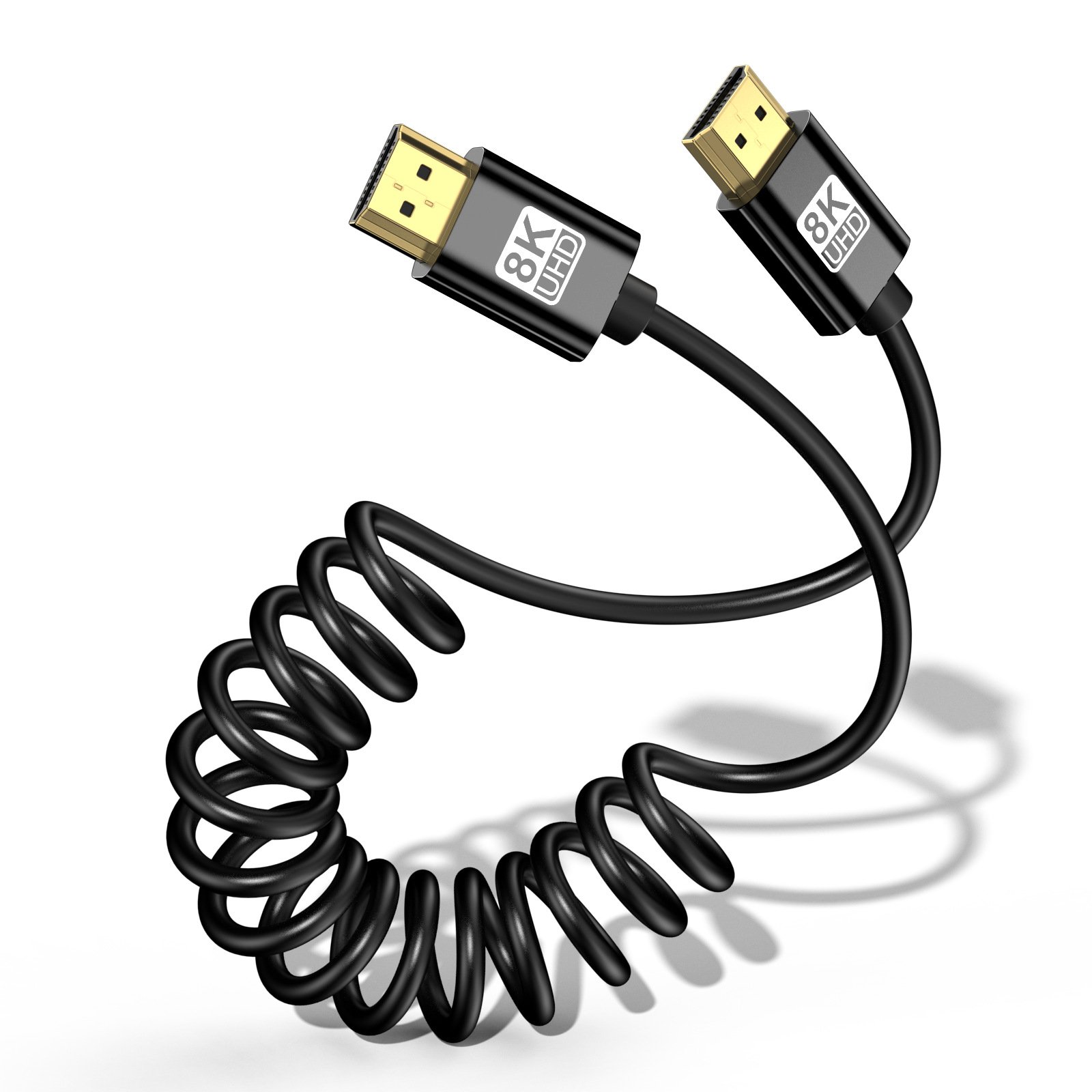
VR headset connections
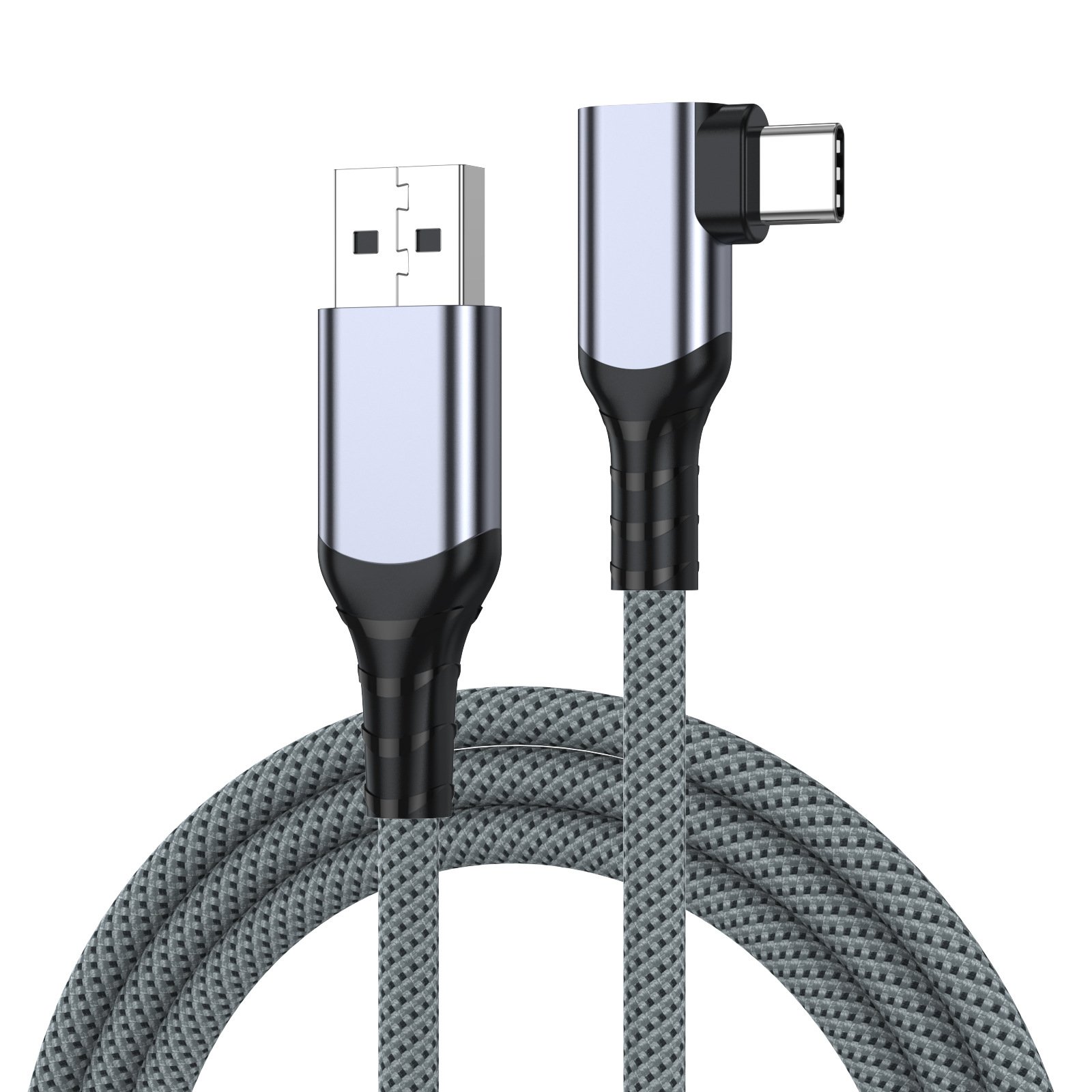
USB-A to USB-C VR Link Cable
USB-A to USB-C link cable with 3 m and 5 m length options. Check the headset, computer and software requirements together.
View productRetail & distribution requirements
Build the range around your customers’ equipment.
Compare interfaces and product constructions, then discuss quantities, branding and packaging for the products you select. Product-level requirements make a more useful brief than a general request for a “fast cable”.
Browse product familiesStart a conversation
Tell us about your setup
Share the equipment, ports and functions you need. We can start the product discussion from there.